
Before / After Slider
Show transformations instantly with smooth, touch-friendly image comparisons that drive enquiries.
Try it live
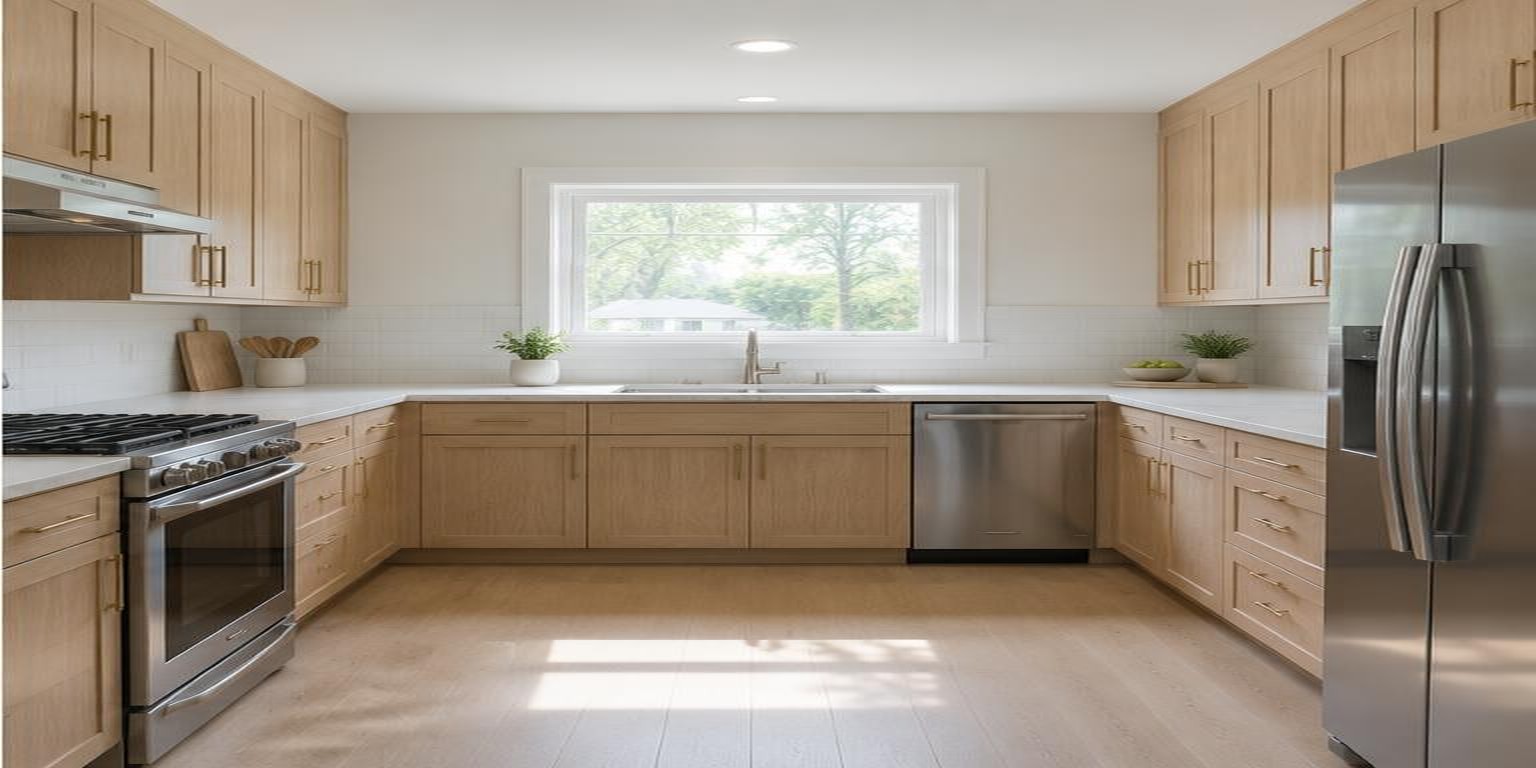
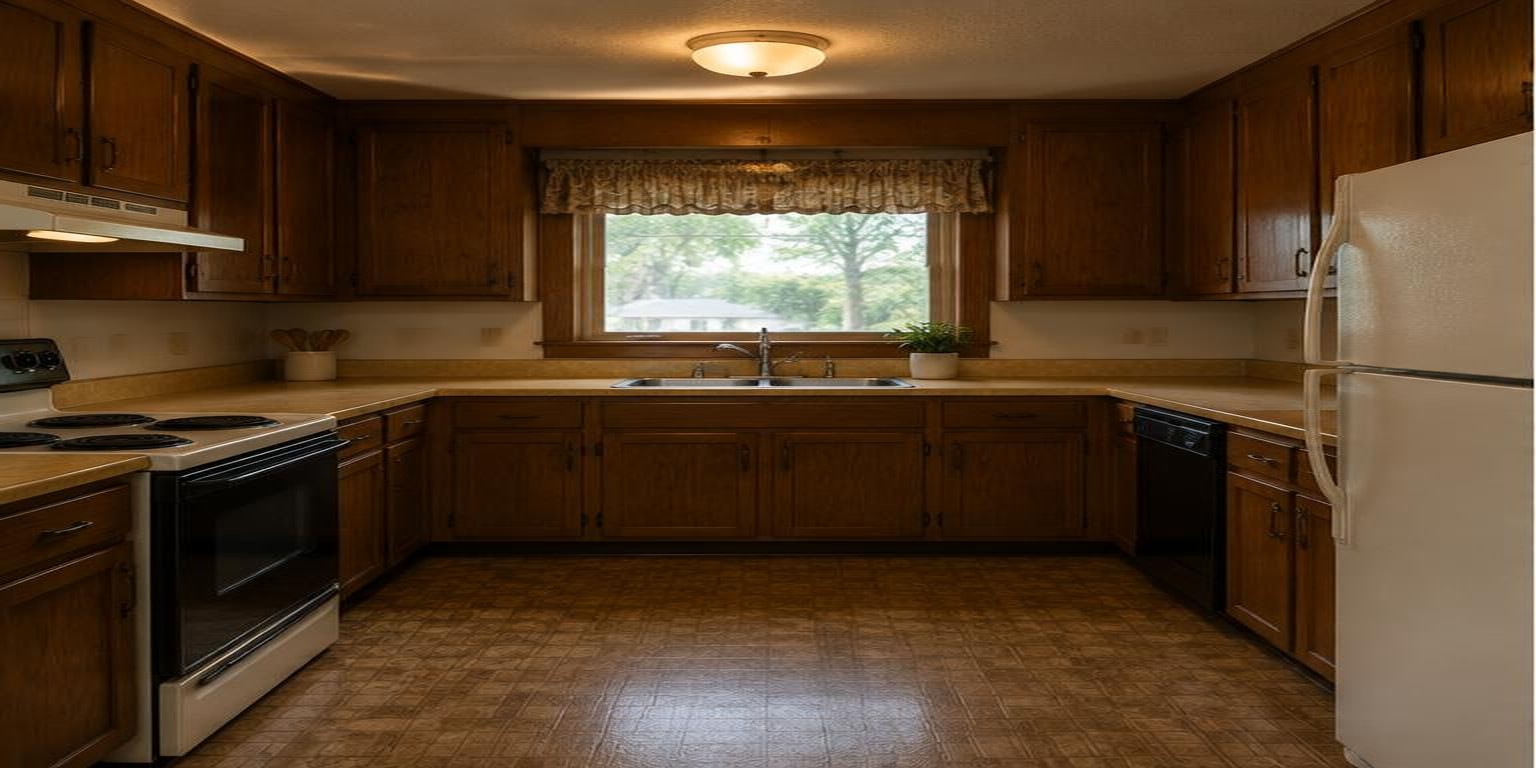
This is the real thing, running right here in the page. Click around — nothing is saved.
Drag the handle to reveal the renovation.
See What It Looks Like Inside Your Dashboard
A clean, no-code backend built for dispatchers, business owners, and non-technical staff.
Slider setup
No-codeBefore image
kitchen-before.jpg
After image
kitchen-after.jpg
Orientation
Handle style
Auto-animate on scroll into view
On your page
Live previewWhat you get
Smooth horizontal and vertical split comparisons
Show the same transformation left-to-right or top-to-bottom.
Full mobile touch swipe and desktop cursor drag
Fluid interaction feels native on phones, tablets and computers.
Custom handles, dividers and label badges
Match the comparison controls precisely to your brand.
Integrated destination link and CTA button
Turn visual proof into bookings, enquiries and product visits.
Works on Any Website
Paste one snippet exactly where you want it to appear — it fills the space it's given.
- WordPress: edit the page or post, add a Custom HTML block where the graphic should appear and paste the snippet in.
- Shopify: Online Store → Themes → Edit code, or add a Custom Liquid section to the product page and paste the snippet.
- Webflow: drag an Embed element onto the canvas, paste the snippet, then publish the site.
- Squarespace: edit the section, add a Code block and paste the snippet.
- Wix: Add → Embed Code → Embed HTML, paste the snippet and let the frame size to the content.
- Framer: Insert → Embed → HTML and paste the snippet into the embed panel.
- Custom HTML: paste the snippet directly into your page markup at the position you want the widget.